Supports InfluxDB 1 · 2 OSS · 2 Cloud · 3 Core · 3 Enterprise

InfluxDB Dashboard for iOS
Your Data, Always Within Reach

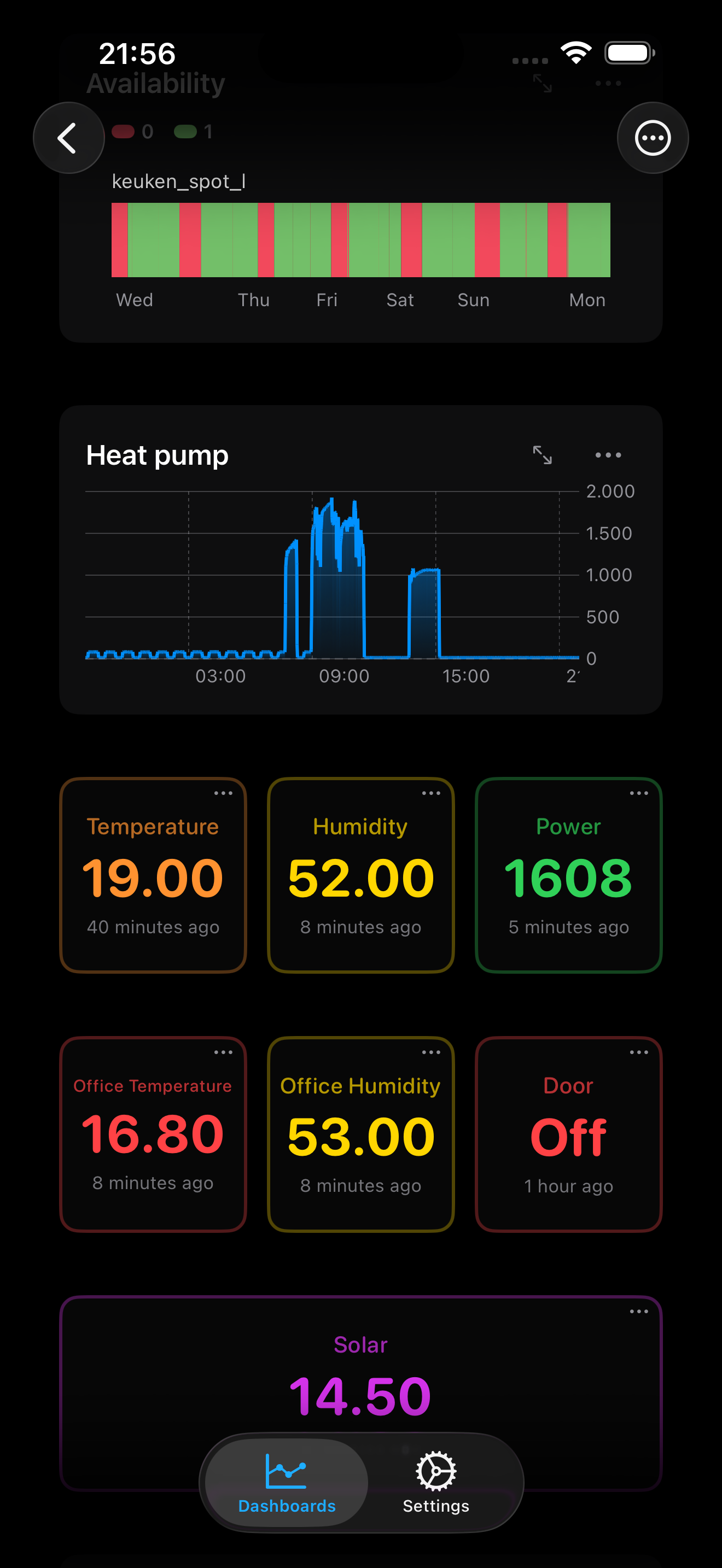
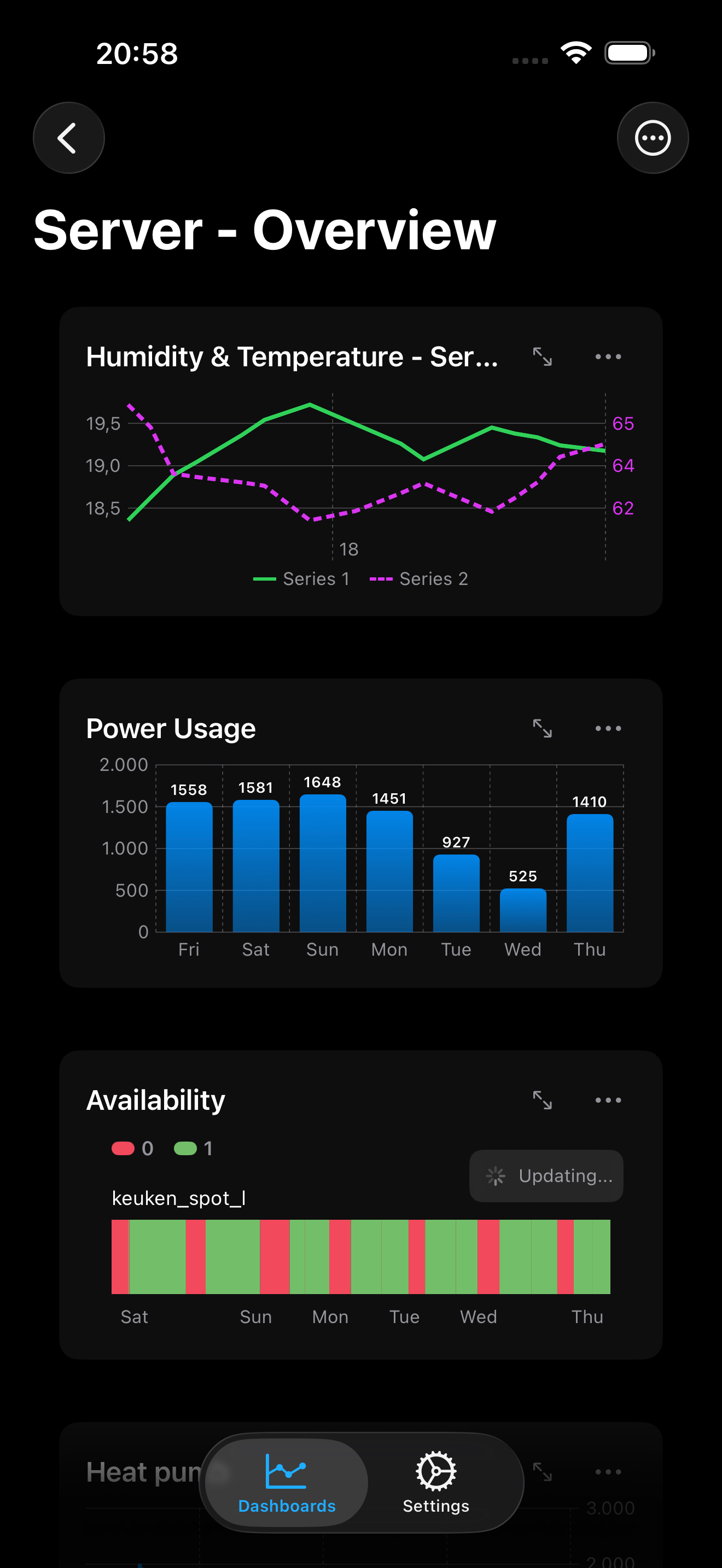
Transform your iPhone and iPad into a powerful monitoring dashboard. Real-time charts, Home Screen & Lock Screen widgets, and chart export for all InfluxDB versions — beautifully designed for iOS.
Everything You Need for Mobile Monitoring

Professional-grade InfluxDB visualization designed specifically for iOS, with all the features power users expect.

📈

Rich Chart Types

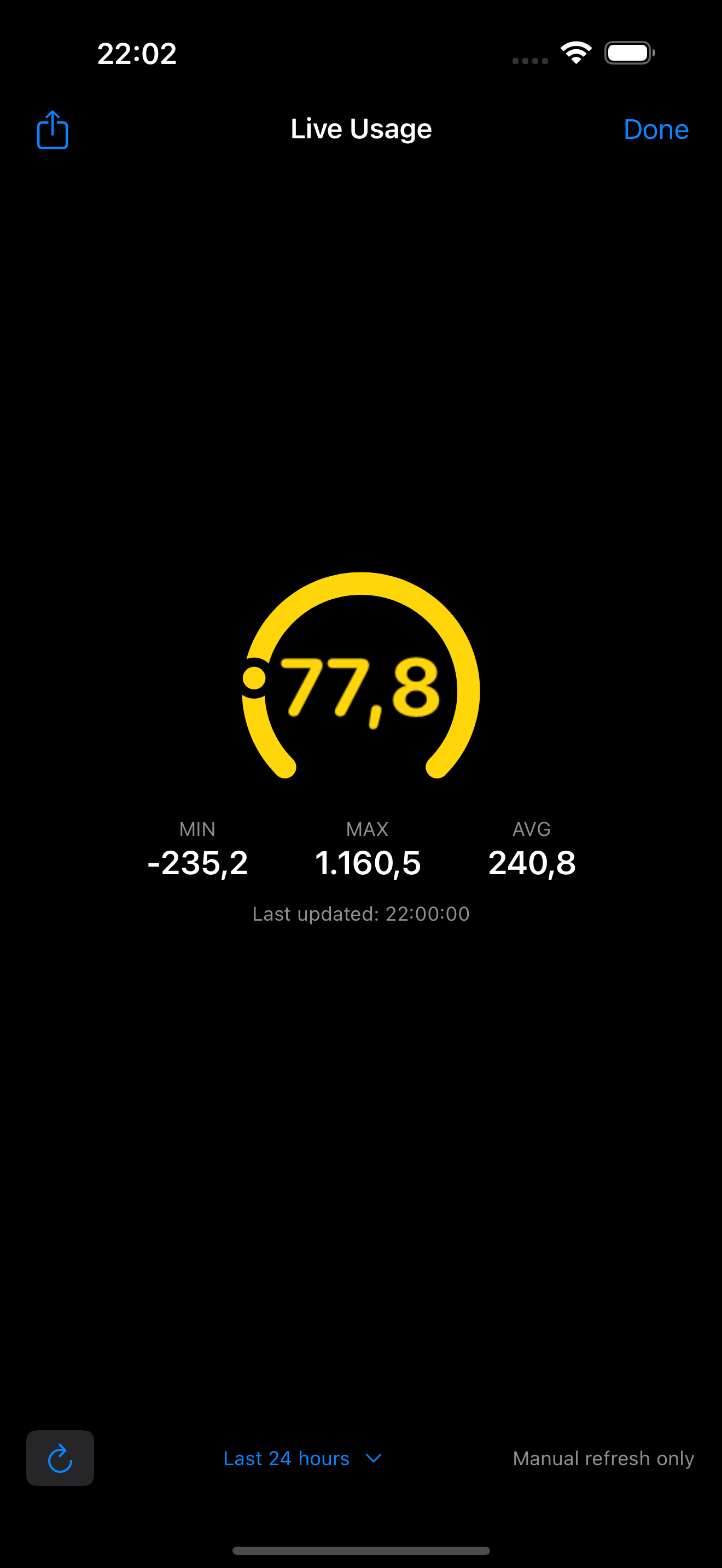
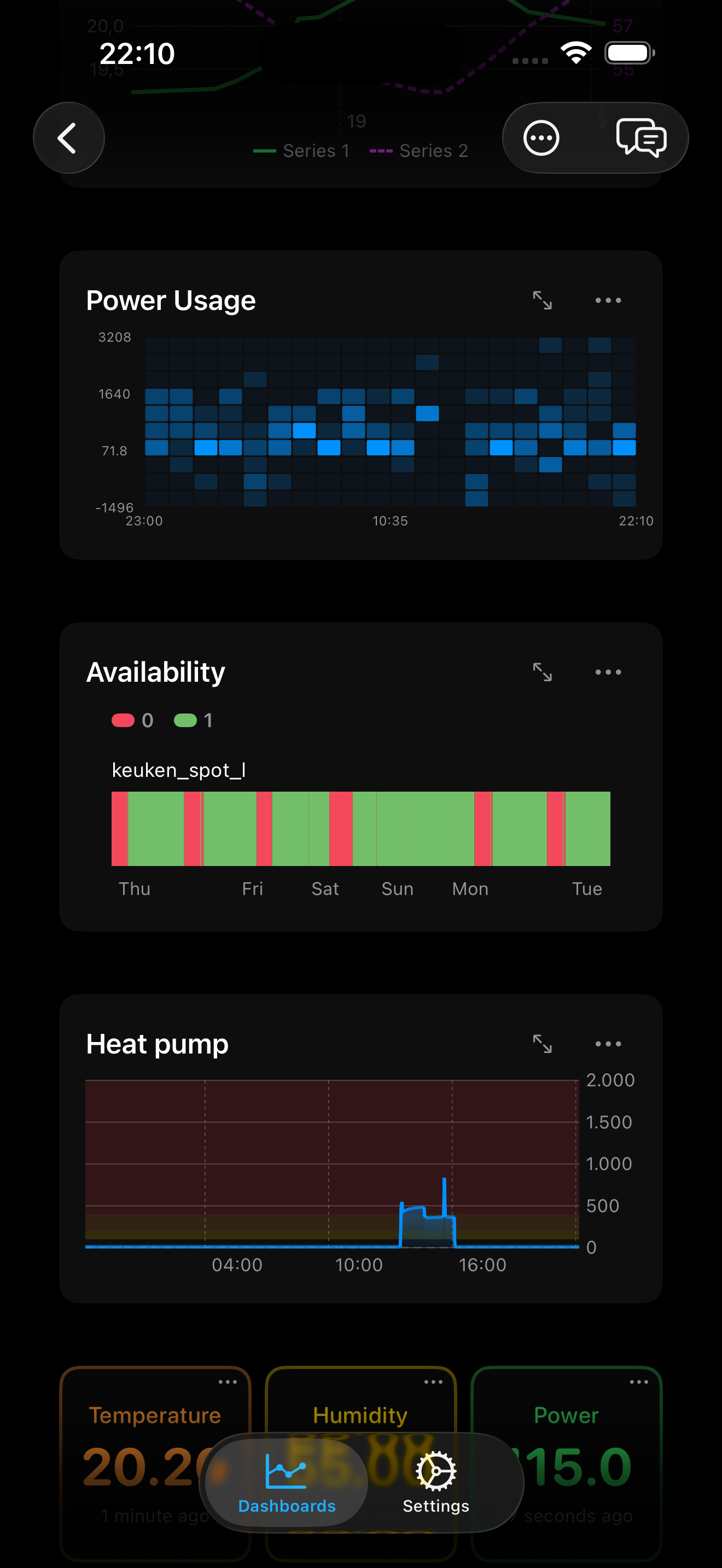
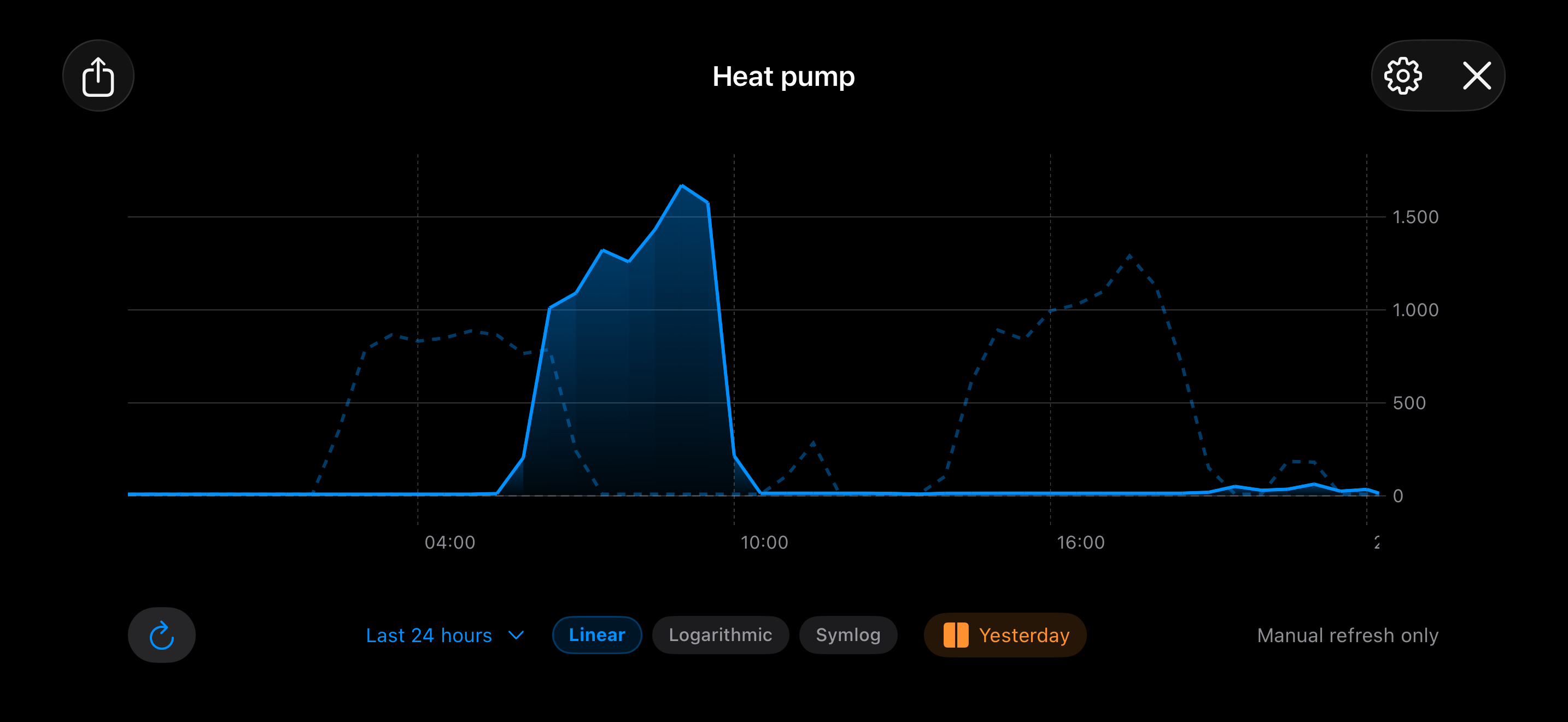
Line, multi-line, bar, gauge, pie, heatmap, scatter, state timeline, and dual-axis charts — all with smooth animations, interactive tooltips, and configurable threshold zones.

🔌

All InfluxDB Versions

Full support for InfluxDB 1 OSS/Enterprise, InfluxDB 2 OSS, InfluxDB 2 Cloud, InfluxDB 3 Core (SQL), and InfluxDB 3 Enterprise. Connect to any instance.

📱

Home Screen & Lock Screen Widgets

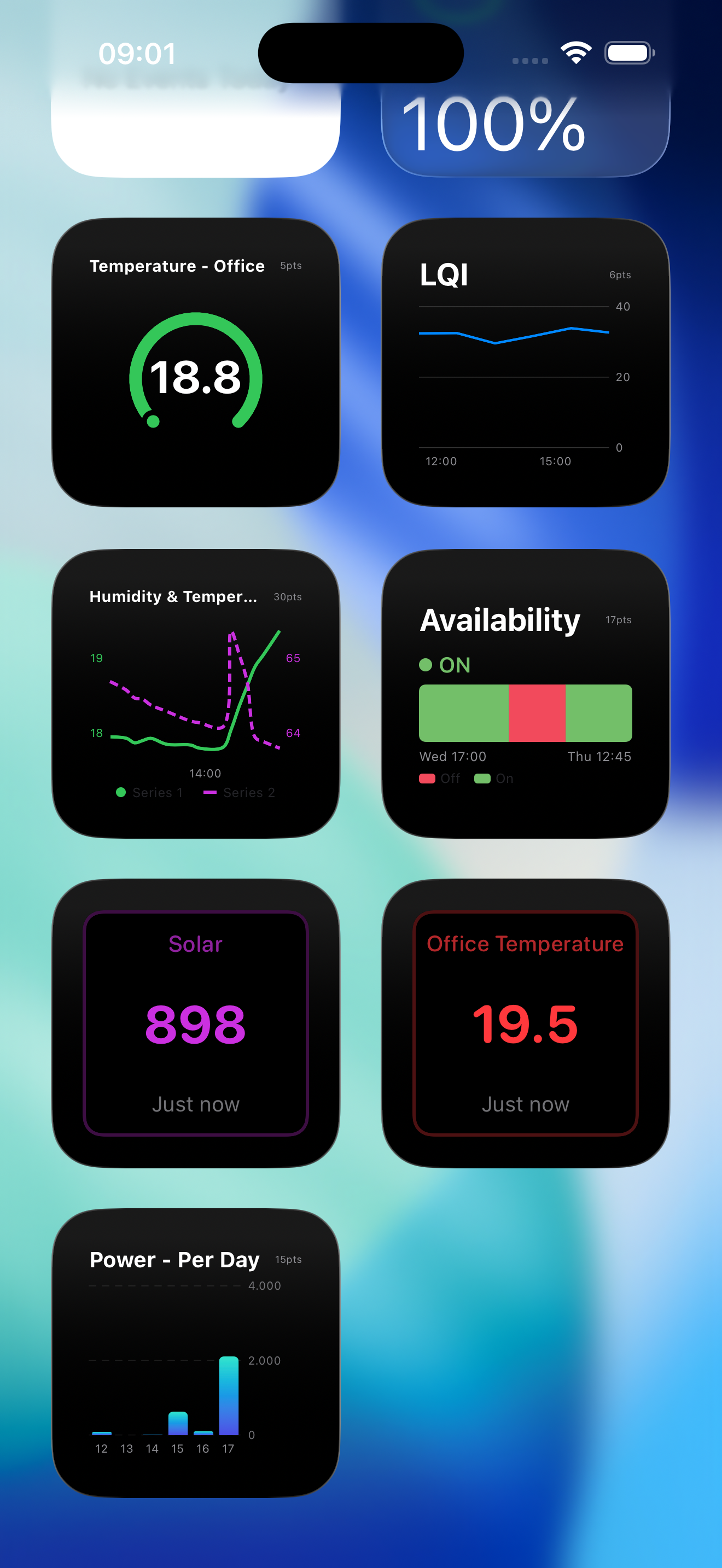
Pin your most important metrics to your Home Screen or Lock Screen. Small and medium widgets with bar charts, gauges, badges, and state timelines — always up to date at a glance.

🏠

Home Assistant Ready

Perfect for monitoring your smart home. Visualize Home Assistant metrics stored in InfluxDB effortlessly.

📤

Export & Share

Export charts as high-resolution PNG or PDF. Share data tables as CSV. Send to Photos, Files, Mail, WhatsApp, or any app you like.

🌙

Dark Mode & Themes

Switch between System, Light, and Dark themes. Threshold indicators highlight critical values in red. Beautiful on any screen.

🔒

Secure & Private

Your credentials are stored securely in iOS Keychain. Direct connection to your servers — no middleman.

Custom Dashboards

Create unlimited dashboards with drag-and-drop simplicity. Organize your metrics exactly how you want them.

Built for Every Industry

From DevOps to Smart Homes — monitor any time-series data on iPhone.

🖥️

DevOps & Infrastructure

Monitor Kubernetes pods, server health, and Telegraf metrics. Perfect for SREs and system administrators on the go.

🏭

Industrial IoT

Track sensor data from factory floor to mobile. Predictive maintenance and SCADA visualization in your pocket.

📈

Fintech & Trading

Visualize crypto prices, trading volumes, and financial time-series data with real-time updates.

🏠

Smart Home

Home Assistant integration, solar monitoring, energy tracking, and environmental sensors — all on your iPhone.

Works With Your Setup

Connect to any InfluxDB instance, wherever it's hosted.

🗄️

InfluxDB 1 OSS/Enterprise

Legacy v1 with InfluxQL queries

🖥️

InfluxDB 2 OSS

Self-hosted v2 with Flux queries

☁️

InfluxDB 2 Cloud

Fully managed cloud service

InfluxDB 3 Core

Next-gen engine with SQL support

🏢

InfluxDB 3 Enterprise

Enterprise-grade deployments

🍎

iPhone & iPad

Universal app optimized for all screen sizes

🧩

iOS Widgets

Home Screen & Lock Screen support

Running a different InfluxDB version? Let us know and we'll look into adding support.

Smart Home Ready

The Perfect Companion for Home Assistant

Monitor your smart home metrics like never before. InfluxDB Dashboard connects directly to your Home Assistant's InfluxDB database to visualize:
  • Temperature & Humidity history
  • Energy consumption in real-time
  • Server performance stats
  • Custom IoT sensor data
InfluxDB Dashboard Home Assistant and IoT Monitoring

Frequently Asked Questions

Everything you need to know to get started with InfluxDB Dashboard.

Just download InfluxDB Dashboard from the App Store and connect to your server. Within minutes, you'll have beautiful real-time charts on your iPhone. Simply enter your InfluxDB URL, organization, and API token — and you're ready to go!

Absolutely! InfluxDB Dashboard works perfectly with Home Assistant data stored in InfluxDB. Monitor your entire smart home from anywhere — temperature sensors, energy usage, device states, and more. It's the perfect companion for your smart home monitoring needs.

InfluxDB Dashboard combines professional features with mobile simplicity. You get real-time updates, beautiful native iOS design, Home Screen and Lock Screen widgets, chart export as PNG/PDF, CSV data export, dark mode, and support for InfluxDB 1 OSS/Enterprise, InfluxDB 2 OSS, InfluxDB 2 Cloud, InfluxDB 3 Core, and InfluxDB 3 Enterprise. Plus, your data stays secure with direct connections — no cloud middleman required.

Yes! Your credentials are stored securely in iOS Keychain, Apple's encrypted credential storage. The app connects directly to your InfluxDB server — we never see or store your data. All connections support HTTPS for encrypted communication.

InfluxDB Dashboard offers a wide range of visualization options: line charts, multi-line charts, bar charts, gauge charts, pie charts, heatmaps, scatter charts, data tables, badges, state timelines, and dual-axis charts. You can set threshold zones with red indicators for critical values. Each chart can be exported as PNG or PDF, and data tables can be exported as CSV. All chart types are optimized for mobile viewing with smooth animations and interactive tooltips.

Yes! InfluxDB Dashboard fully supports InfluxDB v3 which uses SQL queries instead of Flux. You can write SQL queries directly in the app to retrieve and visualize your time-series data.

Absolutely! Any data collected by Telegraf and stored in InfluxDB can be visualized with this app. This includes server metrics, Docker stats, Kubernetes data, network performance, and any custom Telegraf plugins you use.

Both are excellent, but InfluxDB excels at high-cardinality IoT data with its purpose-built time-series storage engine. For long-term data retention and mobile visualization, InfluxDB paired with this iOS app provides a seamless experience for IoT monitoring.

Yes! If you store financial time-series data in InfluxDB (crypto prices, trading volumes, market data), you can create real-time dashboards to monitor your portfolio and trading metrics on the go.

Yes! InfluxDB Dashboard supports InfluxDB 1 OSS and InfluxDB 1 Enterprise. Connect to your InfluxDB 1.x instance and create dashboards using InfluxQL queries. Whether you're running a legacy setup or haven't migrated yet, we've got you covered.

Ready to Monitor Smarter?

Download InfluxDB Dashboard today and take your time-series data with you, wherever you go.

Download on App Store

Get in Touch

Have questions or feedback? We'd love to hear from you.